
Business Shared Mailbox Allow multiple team members to share and manage company emails.
A Shared Mailbox for Your Team
- Multiple team members can access and manage a shared mailbox together.
- Share emails with the right departments and team members without forwarding messages.
- Assign ownership to each email and organize messages with labels.

Use Your Own Email Domain,
or Get 1 Free Email Account
- Get one free email account with an ecount.com address and 5GB of storage when you use ERP.
- Use it as your company email to communicate with customers and partners, and share it across your team.
- Already have your own email domain (e.g., yourcompany.com)? Connect it to ECOUNT Webmail and keep using it.

Request and Share Tasks Directly from Your Mailbox
- Reply to an email to assign tasks, or share information with team members.
- Email replies are automatically saved as comments, making it easy to track conversations and task history in one place.

Mailbox Organization
& Auto Classification
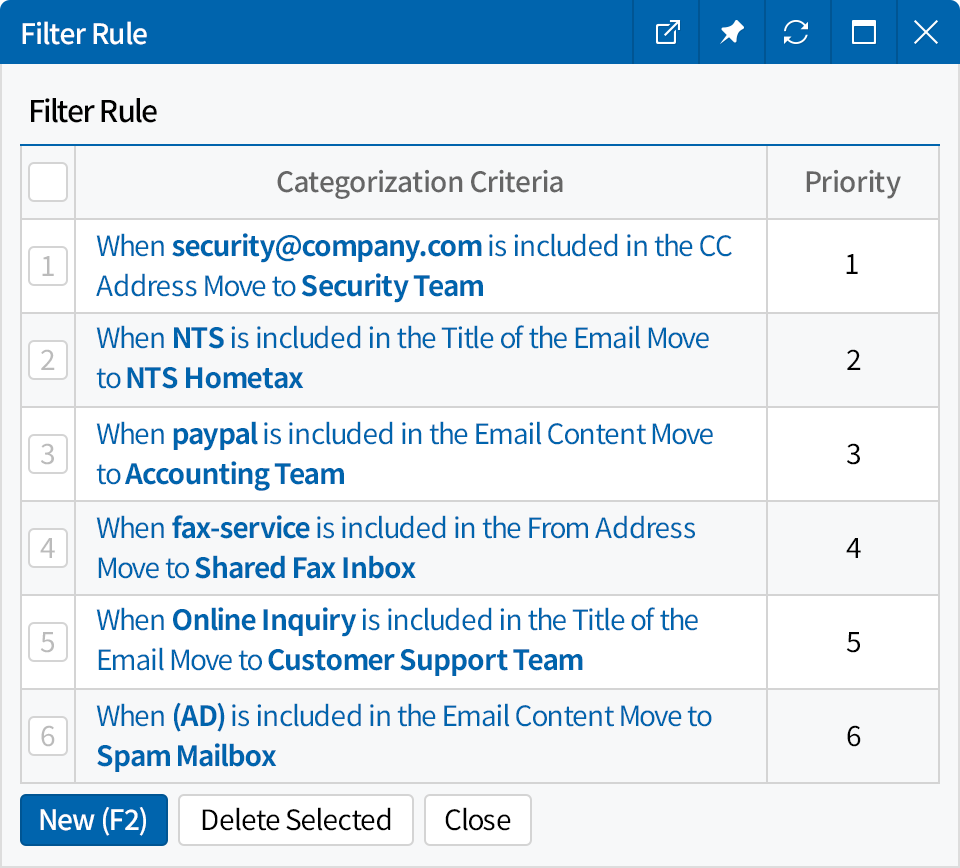
- Create mailboxes by department or function to keep emails
organized and easy to manage. - Automatically classify emails based on sender, subject, or content.
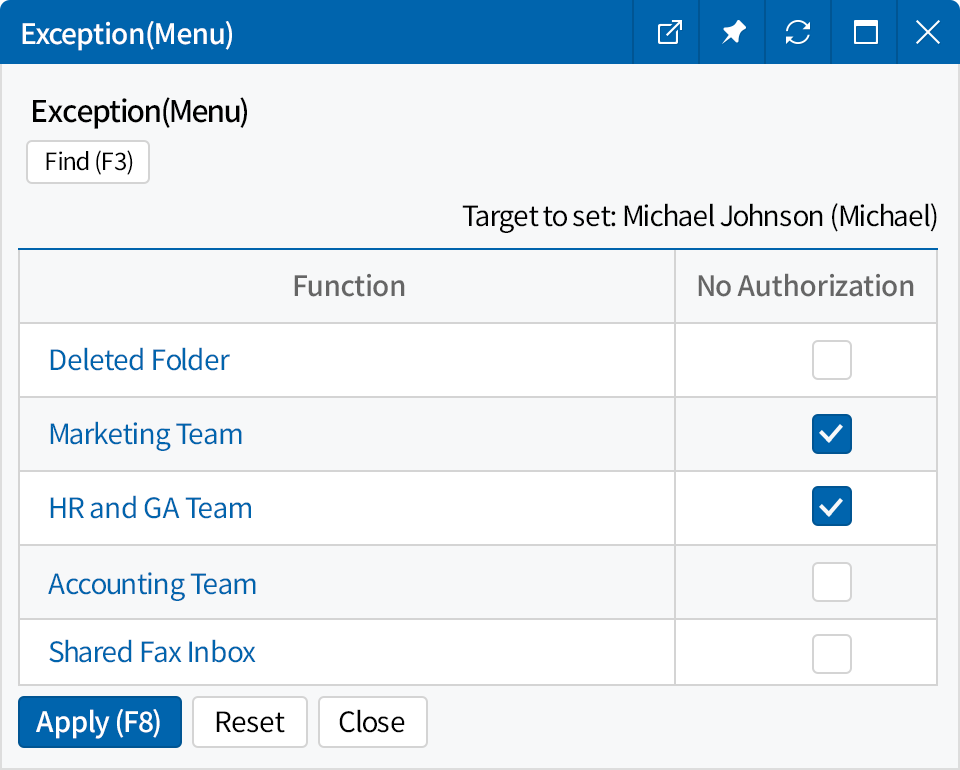
- Set different mailbox access permissions for each user.
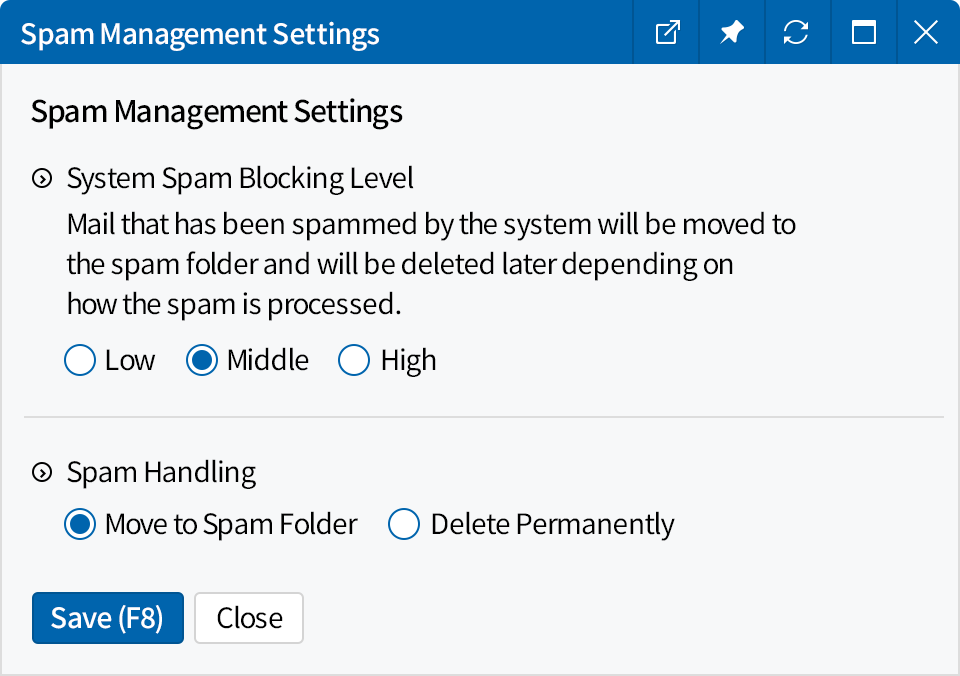
- Filter unwanted emails by sender, keywords, or spam level,
and automatically move or delete them.
Email Sending Features
- Use your shared mailbox as the sender address
when sending ERP documents such as invoices,
purchase orders, and other business documents. - Schedule emails to be sent at your preferred
date and time. - Create email signatures with your company name,
contact details, and more, and automatically apply
them to outgoing emails. - Hide recipient email addresses when sending group
emails to protect privacy.

AI-Powered Email Summaries
- Use AI to summarize emails and quickly understand the key points.
- View summaries of multiple emails on a single screen.
